You haven't signed in yet, you can have a better experience after signing in
*Please complete the payment within {{receiveCouponInfo.expire_at}}Previous use*
You haven't signed in yet, you can have a better experience after signing in



Activity Rules
1、Activity time:{{ info.groupon.start_at }} ~ {{ info.groupon.end_at }}。
1、Activity time:cease when sold out。
2、Validity period of the Group Buying:{{ info.groupon.expire_days * 24 }} hours。
3、Number of Group Buying:{{ info.groupon.need_count }}x。
Please Pay Attention
1、Teamwork process: Join/initiate a Group Buying and make a successful payment - Within the validity period, the number of team members meets the activity requirements - Group Buying succeeded!
2、If the number of participants cannot be met within the valid period, the group will fail, and the paid amount will be refunded in the original way.
3、The number of people required and the time of the event may vary among different products. Please pay attention to the rules of the event.
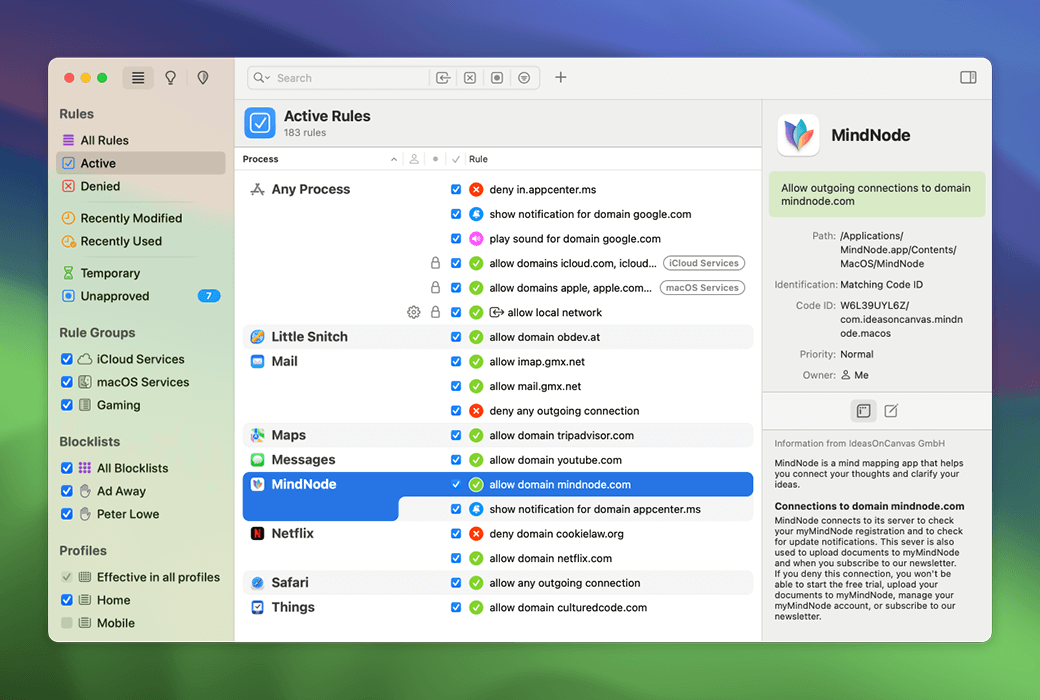
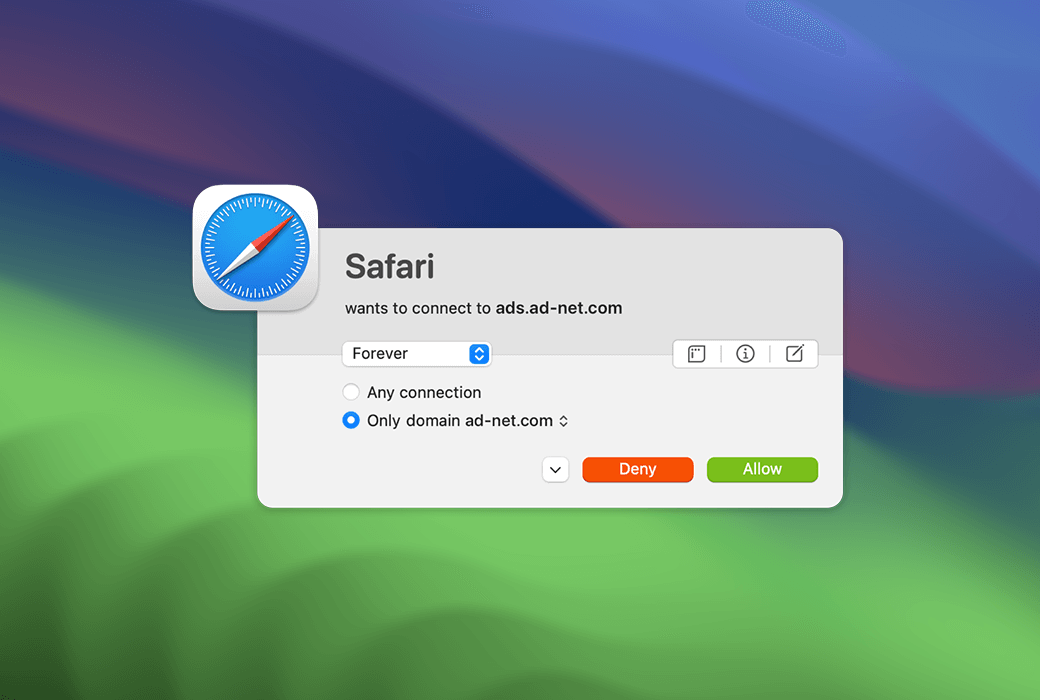
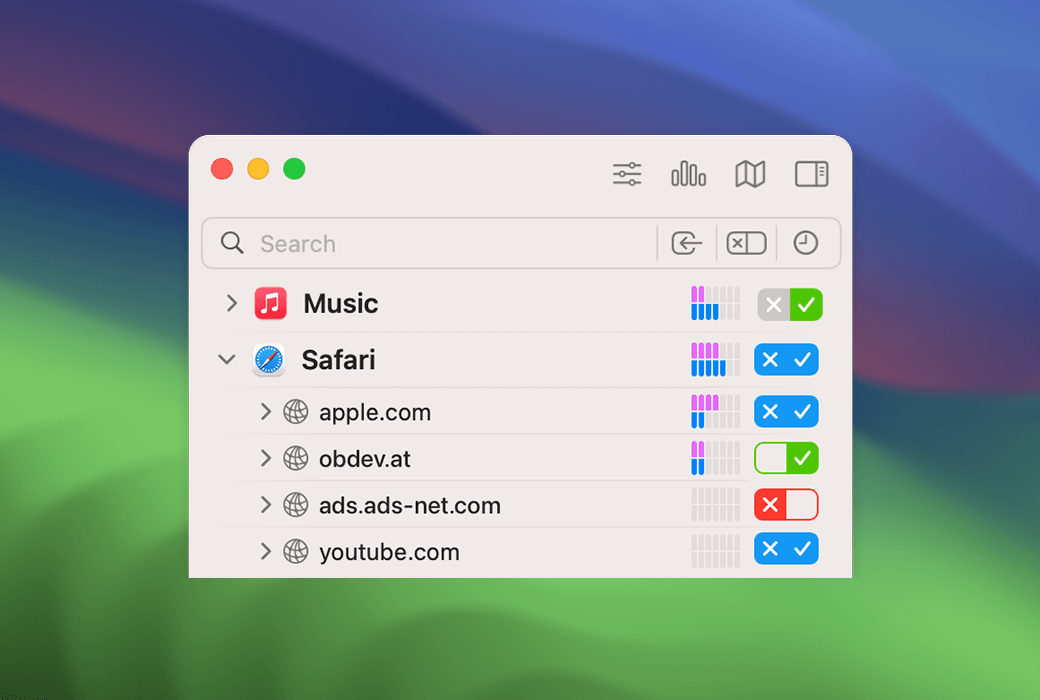
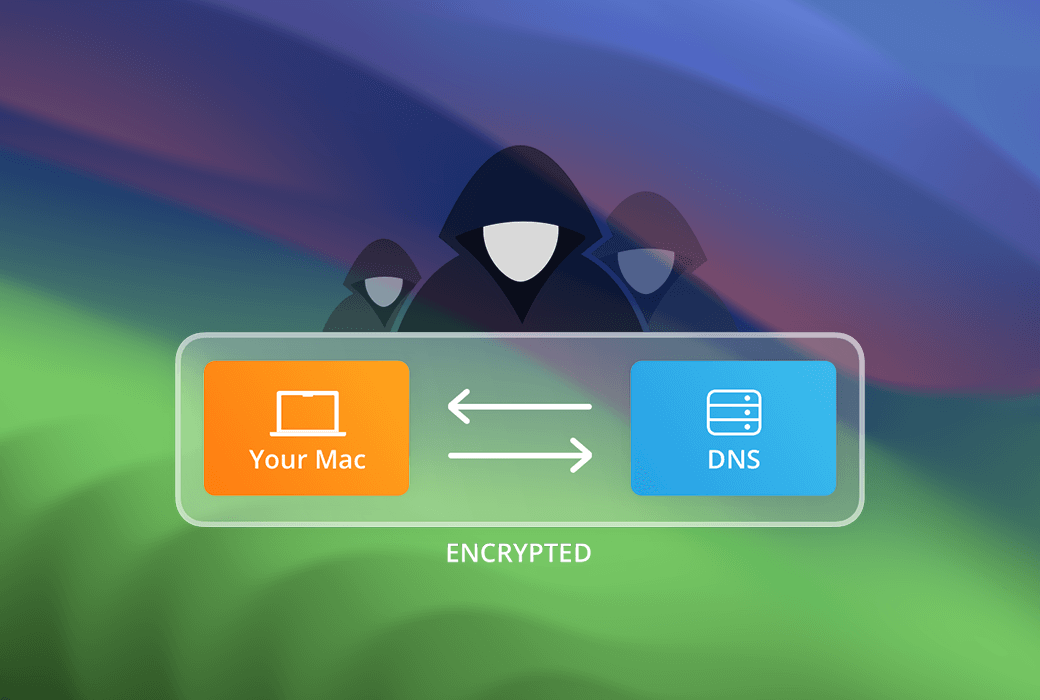
Every time the software attempts to establish an outgoing network connection, Little Snitch will notify you. You can allow or deny these connections, or define rules to automatically handle future attempts. Little Snitch can reliably prevent your private data from being sent to the Internet without your knowledge.
Once you connect to the network, applications have the potential to send any content they want to anywhere they want. In most cases, they do this for your benefit. But sometimes, such as in the case of tracking software, Trojan horses, or other malicious software, they won't.
But you didn't notice anything because all of this happened invisibly under the hood.
Little Snitch
Make these Internet connections visible and take control again!
Alarm mode
Whenever an application attempts to connect to a server on the Internet, Little Snitch displays a connection alert, allowing you to decide whether to allow or deny the connection. We will not transmit any data without your consent. Your decision will be remembered and automatically applied in the future.
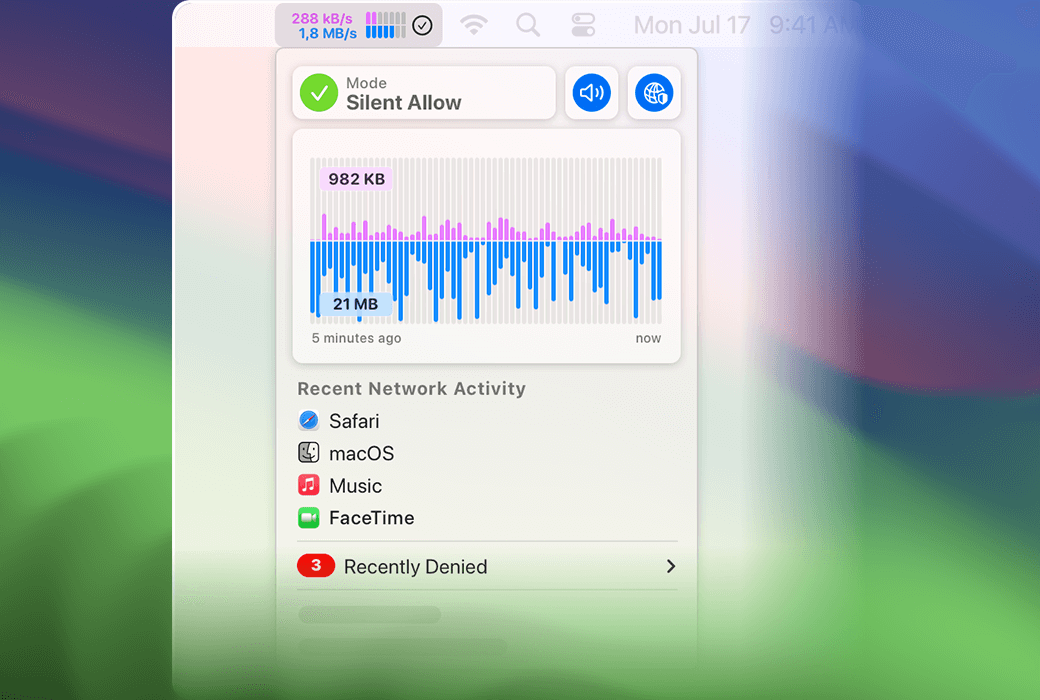
silent mode
If you are a novice at Little Snitch, you may be overwhelmed by a large number of notifications from applications that want to connect to the network. The brand new silent mode has been rebuilt from scratch, making it easy to deal with them. It allows you to temporarily disable all notifications and easily make all decisions at once in the future. Just click a few times.
The world of network connectivity
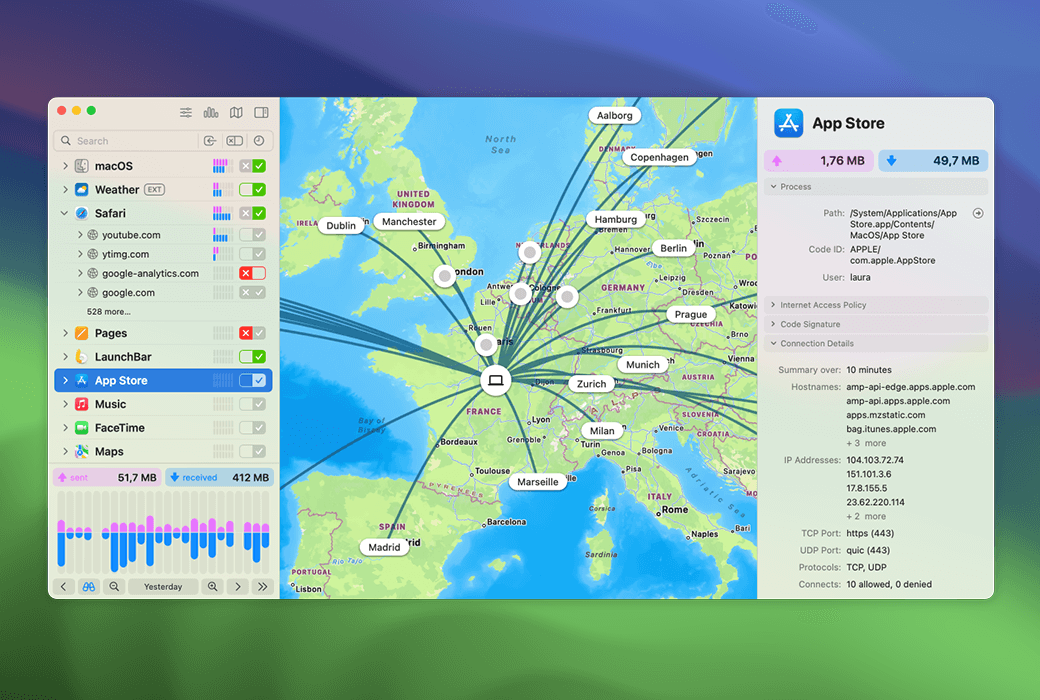
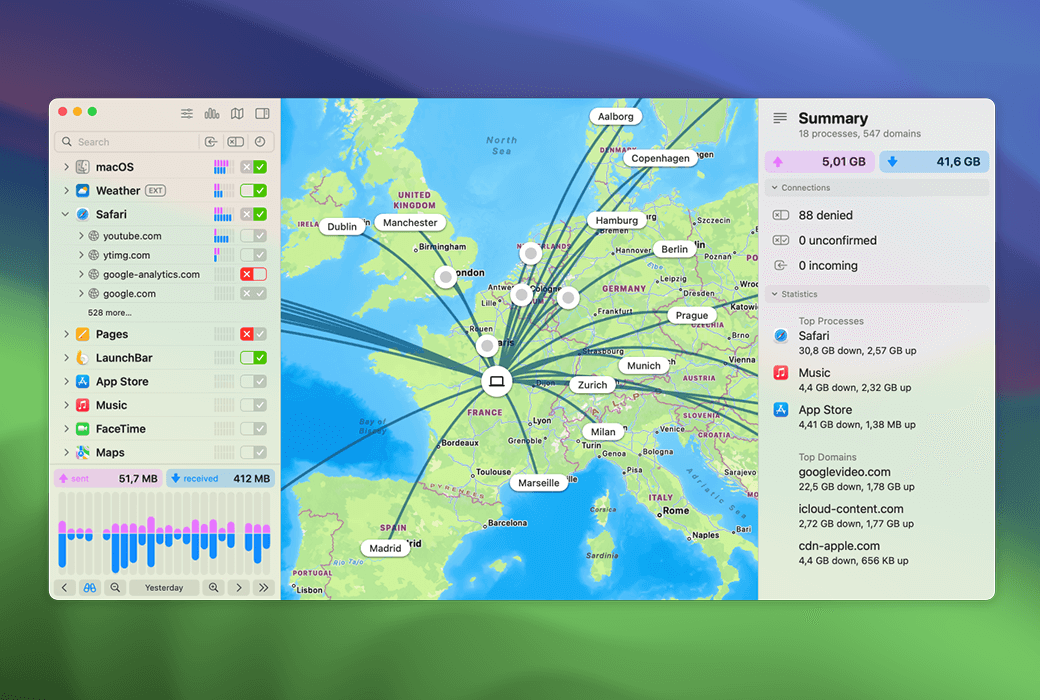
A network monitor is a window into the world of network connectivity. View Mac's network activity from three perspectives - application and server list, global network connectivity, and one hour data traffic history.
Server, where is it?
Have you ever thought about where your data is being sent to in the world? The network monitor displays the locations of all servers connected to the Mac on an interactive world map. The animation connection line provides a clear overview of the currently transmitted data and blocked connections.
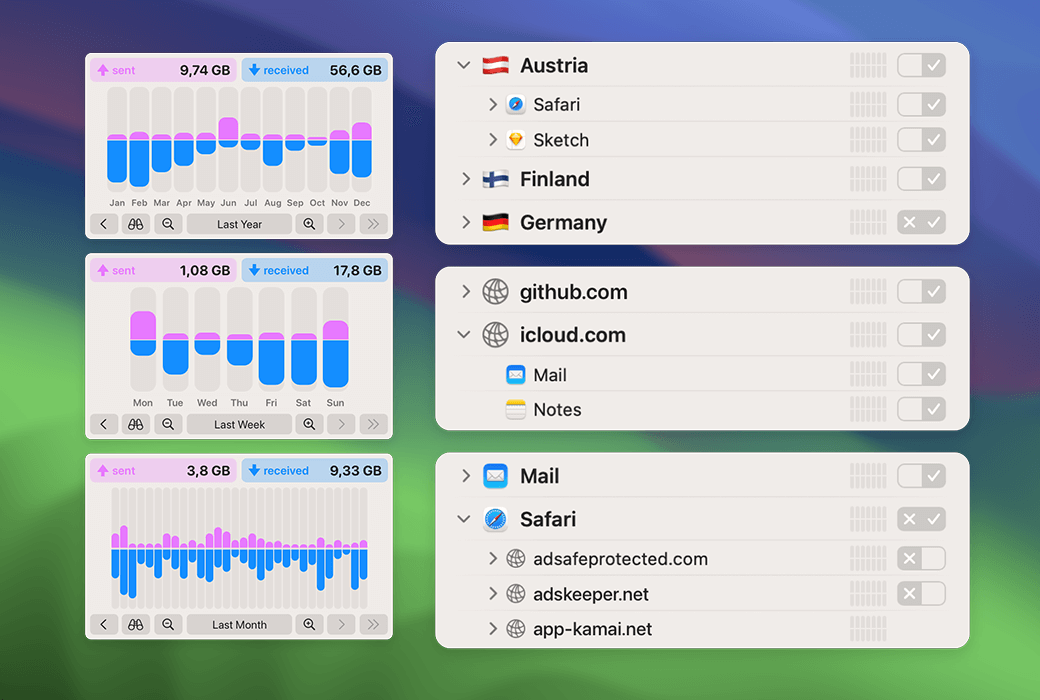
The detailed traffic history of the past 12 months provides a powerful tool for analyzing various data connections.
Quickly identify the reasons for allowing or denying specific connections.
Connect by domain (such as Apple.com or Google.com) and group them in a hierarchical structure for easy navigation.
Choose the appearance that best suits your personal taste.
Identify processes and servers that create the highest amount of data, etc.
An integrated research assistant with code signature checking and geographic information.
Search for specific locations or use the filter menu to follow all rejected connections.
Observe the data volume and bandwidth of each process, domain, or server.
Official Website:https://www.obdev.at/products/littlesnitch/index.html
Download Center:https://littlesnitch.apsgo.cn
Delivery Time: Automatic delivery within 24 hours
Operating Platform: macOS
Interface Language: Supports English interface display.
Update Instructions: Supports minor version updates (v6.x)
Trial Before Purchase: Free trial available before purchase.
How to Receive the Product: After purchase, the activation information will be sent to the email address used for the order. You can also view the corresponding product activation code in your personal center, under "My Orders".
Number of Devices: Licensed to the user, can be installed and activated on all their computers.
Changing Computers: Uninstall on the old computer and activate on the new one.
Activation Guide: In the menu bar, click "Little Snitch" and select "Register". Follow the prompts to enter the registration code and activate.
Special Notes: Supports macOS Sonoma and later systems.
References:https://www.obdev.at/support/littlesnitch

Any question